Scenarios
What to do before handing over your iPhone for repair
Make a backup you can use, clarify whether the repair needs device access, and follow the instructions for your service appointment or mail-in repair.
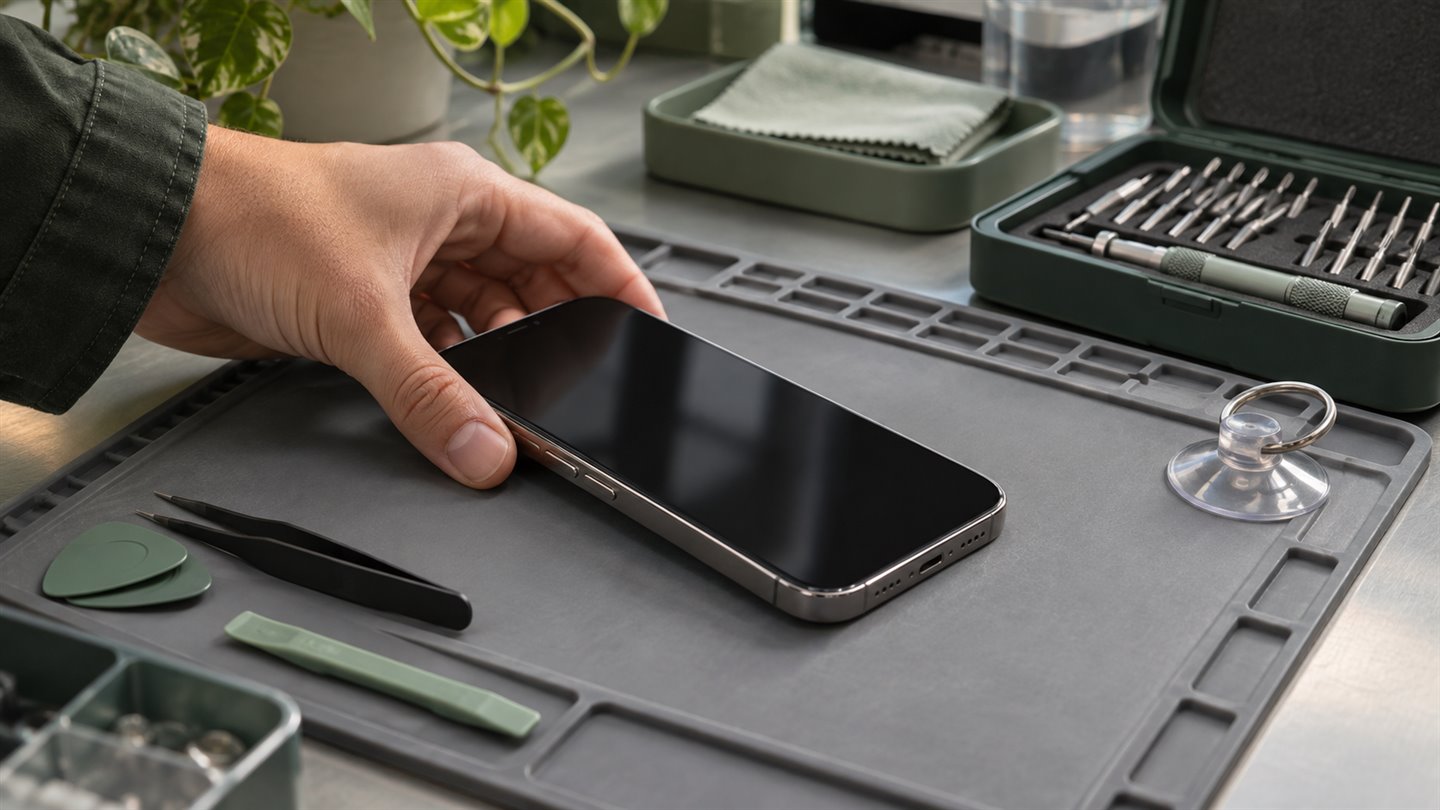
Find out who will hold the phone and for how long
An appointment where you watch a technician run a check differs from a drop-off that lasts two days. Before handing over the phone, ask whether the technician can run the diagnostic while you are there, whether the device might be replaced, and how you will receive it back. For mail-in service, use the instructions attached to your repair booking.
Apple advises keeping your device passcode, account password, and security information to yourself. If someone proposes writing your passcode on the repair slip, pause the handoff and ask which diagnostic requires it. You can ask about an in-person check, a provider-approved erased-device workflow, or another service option.
Check sync, backup, and access to essential accounts
Check that recent photos and documents have synced or been copied, and confirm that the backup you intend to restore has completed. A repair can end with a replacement phone, so think through how you would get back into your Apple Account and any essential apps if the original device were unavailable.
Keep a separate copy of documents that are difficult to replace. Check app-specific recovery instructions for items such as authenticator accounts and files stored inside an app. Before committing to a destructive step, verify that the backup and any additional recovery method are available.
- Confirm the appointment or shipping instructions against your service request.
- Check the backup date and make sure recent files are present in the location you expect.
- Handle Find My and any erase or repair-mode steps according to your provider’s instructions for your device and iOS version. Apple documents Ready for Repair or Trade In for eligible devices and services.
- Keep the repair receipt and the case identifier somewhere you can reach without the phone.
If the phone does not turn on
Tell the provider which preparation steps you could complete and which files are still only on the device. Ask whether the proposed repair could erase or replace the phone before you agree. If recovering unbacked-up files is your priority, tell the provider before authorising a repair that may remove them.
A few things worth knowing
Should I erase my iPhone before every repair?
Follow the instructions for your repair type and provider. If erasing is required or you choose that workflow, first verify the backup and your ability to restore it.
Is moving photos to a hidden album enough for a repair handoff?
It changes what appears in the library. For a repair, the more useful questions are whether the phone stays locked, who needs access, and whether you can restore your data if the device is erased or replaced.