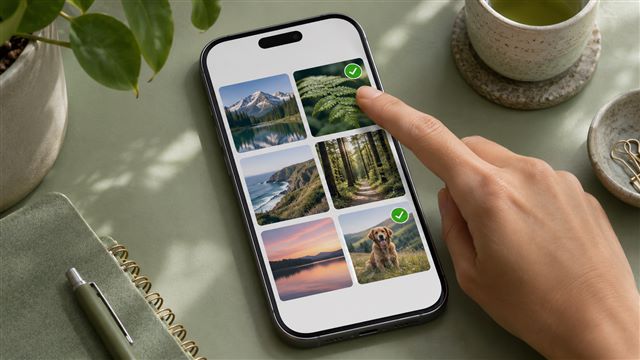
How to check which iPhone apps can see your photos
Review Photos permissions on iPhone, choose a smaller permission where it fits, and understand what revoking access can and cannot change.
Read the guideExplore by need
Practical steps for keeping iPhone photos, files, and backups under your control.
Review Photos permissions on iPhone, choose a smaller permission where it fits, and understand what revoking access can and cannot change.
Read the guide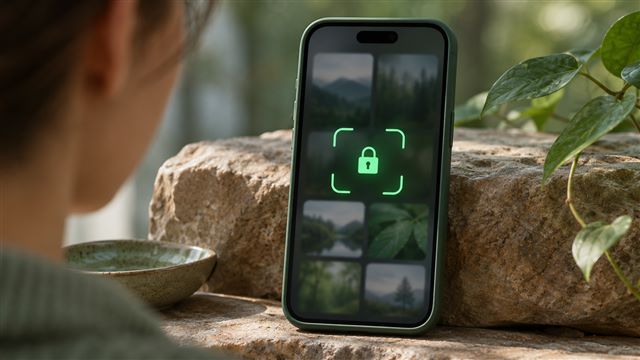
Set up the Hidden album or lock the entire Photos app, then check exactly where authentication is required.
Read the guide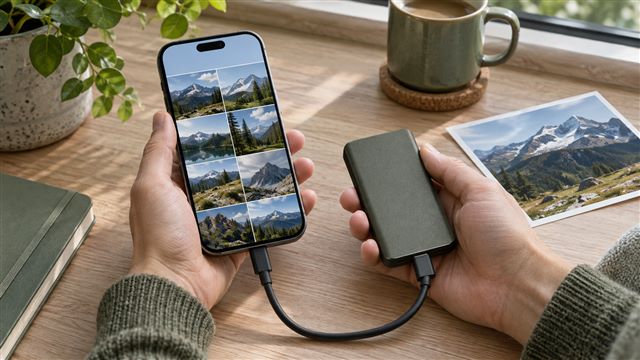
Check iCloud sync, export original photos to independent storage, and verify a sample before trusting the backup.
Read the guide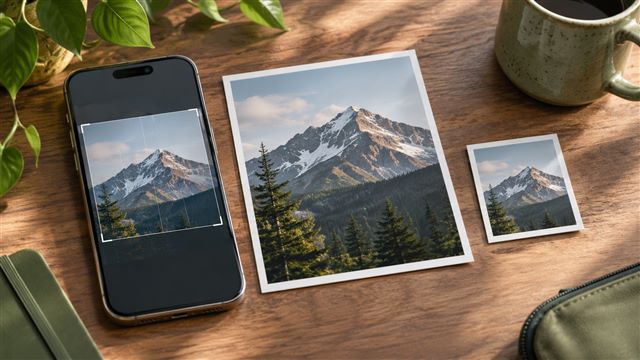
Prepare a JPEG for a form, reduce its size in steps, and check the exported file against the upload requirements.
Read the guide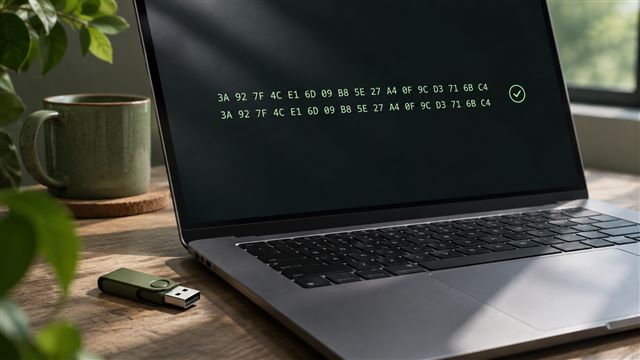
Find an authentic reference, calculate the digest locally, and interpret a match or mismatch before opening the file.
Read the guide
A practical starting point: hidden photos, device access, and the copies you might forget.
Read the guide
Understand location metadata, inspect the visible details, and prepare a safer copy to share.
Read the guide
Look beyond a lock screen and ask how a product actually protects your files.
Read the guide
Get the size, format, and visible details right without uploading to an editing service.
Read the guide