Compare
iPhone Hidden Album vs. an encrypted photo vault
Compare Apple’s Hidden album with Vaultaire’s documented design. Learn what changes when a photo gets its own copy, unlock method and backup.
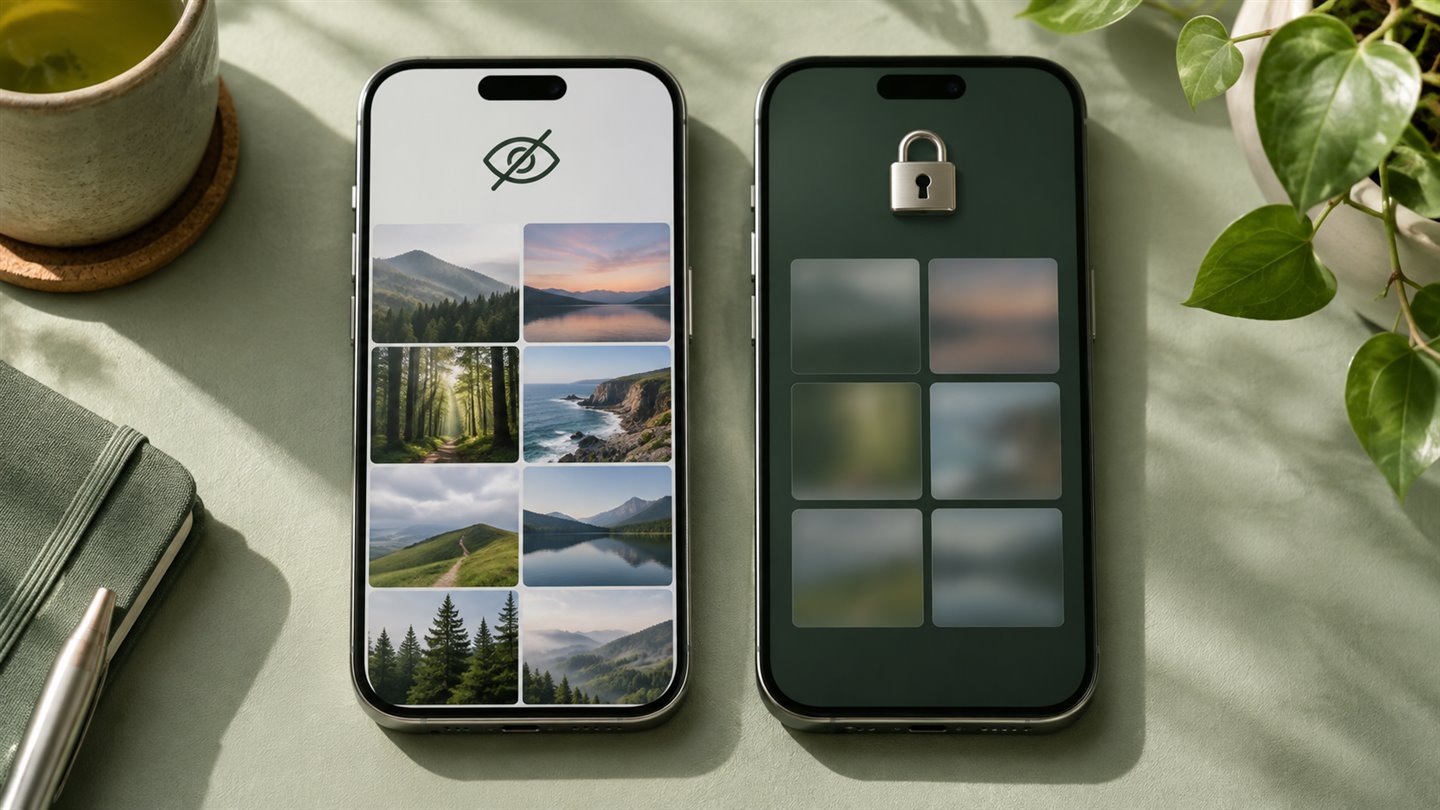
| Decision | Apple Hidden album | Vaultaire |
|---|---|---|
| Unlock | Photos authentication uses your device credentials | Separate vault pattern, per the publisher |
| Where the item goes | Remains in your Photos library | Encrypted copy in the app’s storage |
| Cloud behavior | Follows iCloud Photos when enabled | App-encrypted iCloud backup described by the publisher |
| When it fits | Keeping items out of everyday photo browsing | Separating a collection behind its own unlock method |
What hiding a photo changes
A hidden photo leaves your regular Photos views and appears in the Hidden album. On current iPhone software, the album is locked by default and can be opened with biometrics or the device passcode. With iCloud Photos enabled, hiding the item also hides it on other synced devices. The file stays in your Photos library under Apple’s device and iCloud protections.
Say you want to show a family member your holiday pictures without displaying a scanned document among them. The Hidden album handles that job with little extra work. If that person also knows your phone passcode, the album relies on a credential they already have.
What a separate vault changes
Vaultaire documents encrypting imported files on the device with AES-256-GCM and using a separate pattern to unlock the vault. Its backup documentation describes encrypting vault records before sending them to the user’s iCloud. These are the publisher’s descriptions of the design. Your protection also depends on the secret you choose, how you store the recovery phrase and whether the vault is already open.
Importing adds a vault copy. Check Photos, Recently Deleted, Files and any shared destinations separately. A copy you export or send follows the rules of the receiving app or folder.
Try the full workflow before moving a library
The right choice depends on what you want to guard against and what you can afford to lose. A second lock adds value only if you can both keep the secret private and recover access when your phone breaks.
- Import an ordinary sample photo and one video in a format you use. Open both inside the vault.
- Leave the app, reopen it and observe when it asks for authentication. Check whether the iPhone passcode can open the vault through a fallback.
- Export one sample. Check the output location and confirm that the original dimensions and video playback meet your needs.
- Review which backups are enabled. Confirm you have both a usable copy and the required recovery information before removing originals.
A few things worth knowing
Does hiding a photo remove it from iCloud Photos?
No. If iCloud Photos is enabled, the hidden status syncs across your devices while the item remains in your library.
Can a vault protect an original I left in Photos?
A vault protects the copy in its own storage. Review every other copy according to where it lives and who can open it.